
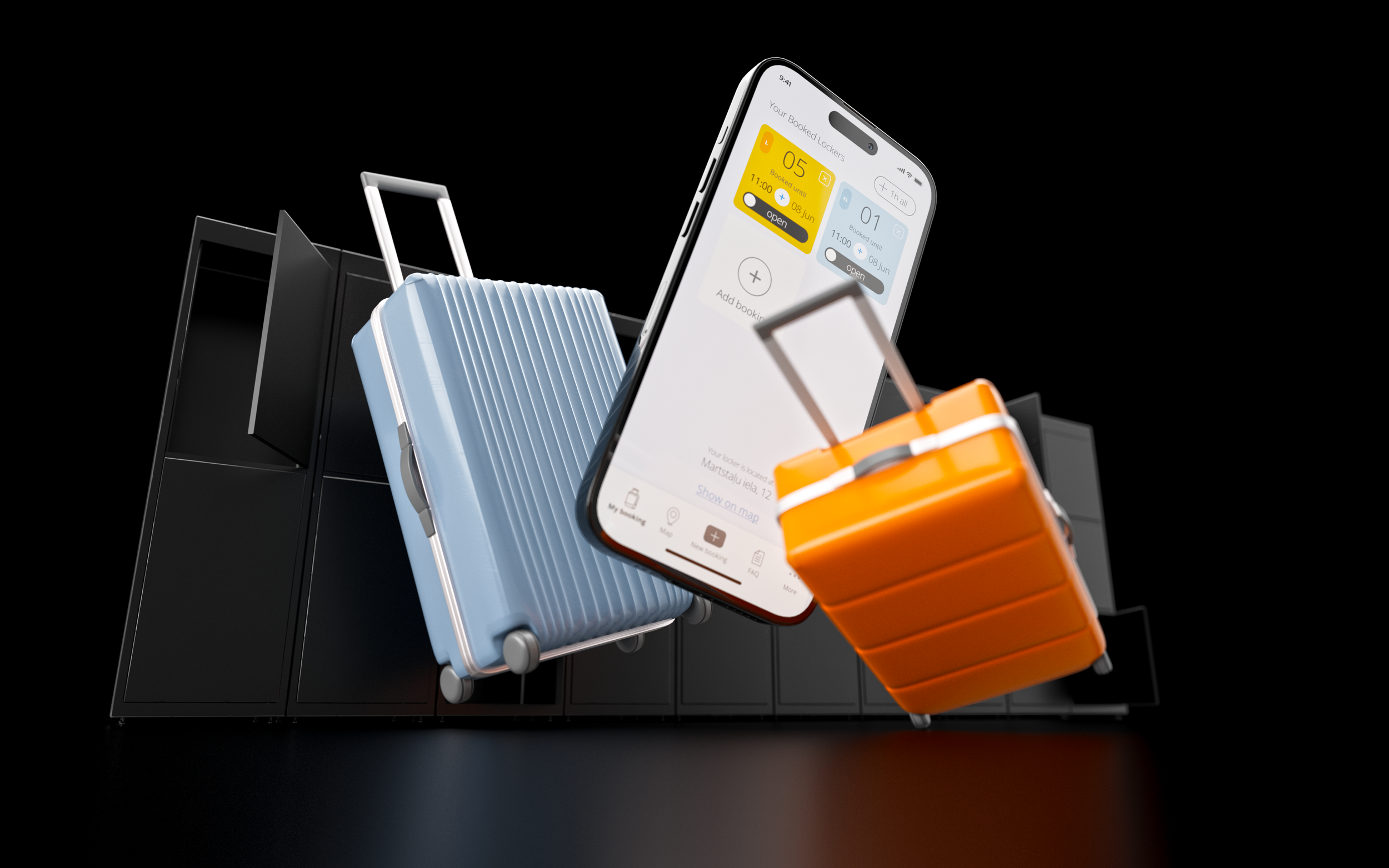
We keep your luggage 24 / 7
while you explore the city hands-free
24h from
6 euro
Keep your heavy luggage in the fully automated mobile app-controlled locker in the very heart of Old Riga City Center.
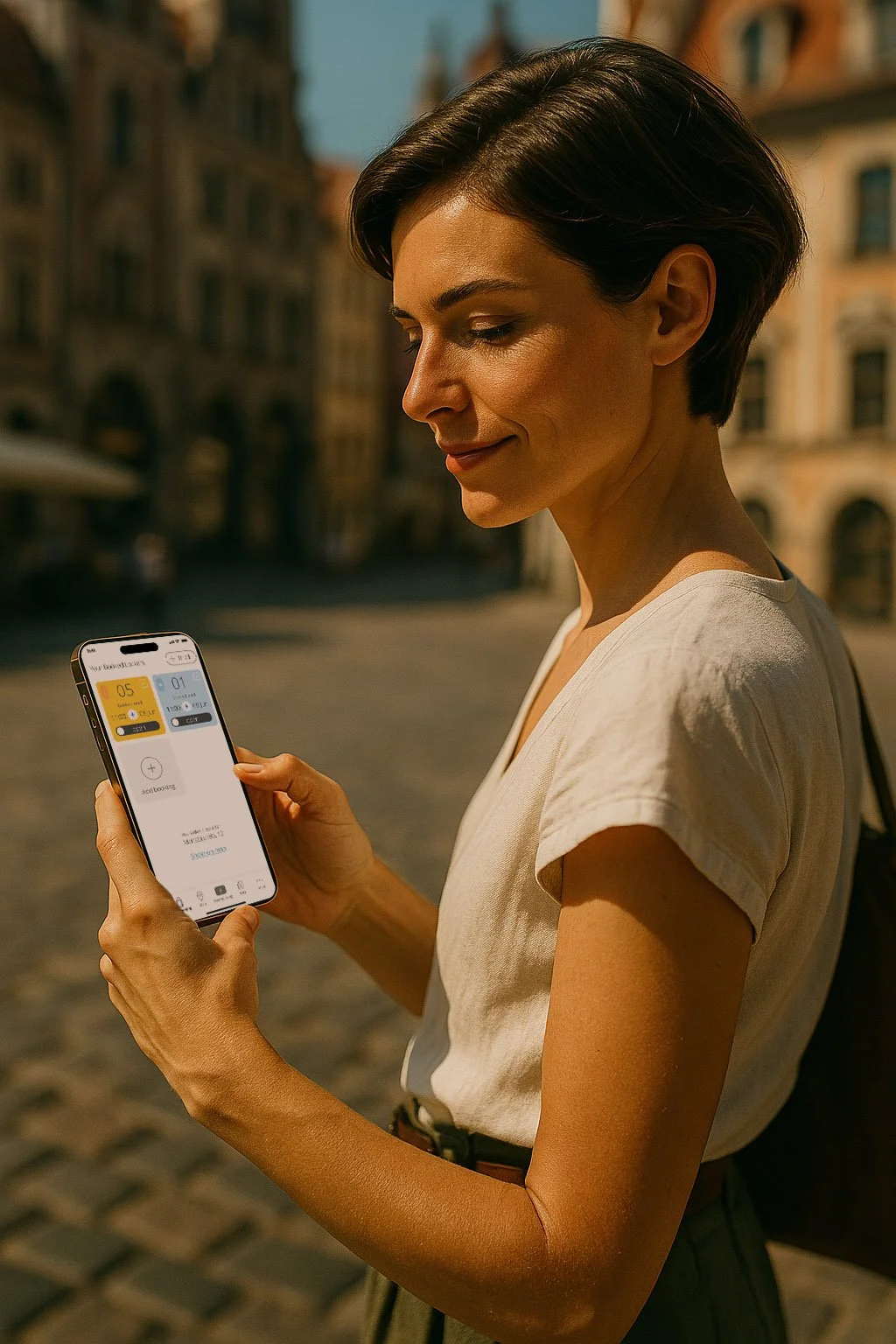
Check lockers availability and book in the App before arriving on premesis.
Download the App
Download iOS app
Visit Apple App Store to download Keep My Bag app and use the locker.
Download Android app
Visit Google Play Market to download Keep My Bag app and use the locker.
Keep My Bag for your convenience
Check locker availability and book in the App before arriving
01
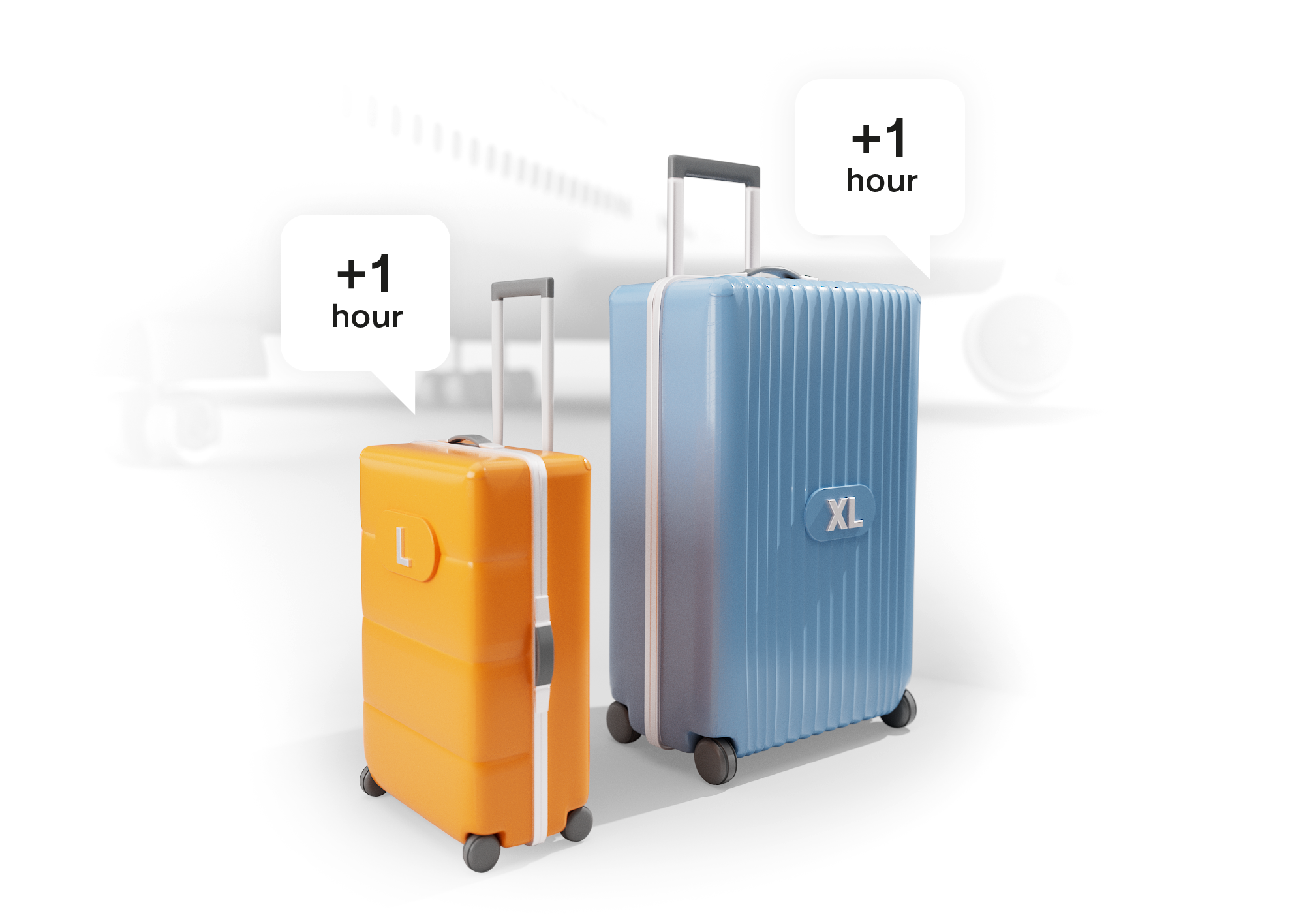
Make sure your locker is waiting for you when you arrive.
Pre-booked lockers are reserved at no cost for the first hour. The meter starts running only after the locker is accessed or when the first hour has elapsed, whichever comes first. That should give you enough time to commute from the airport, the train station or AirBNB.
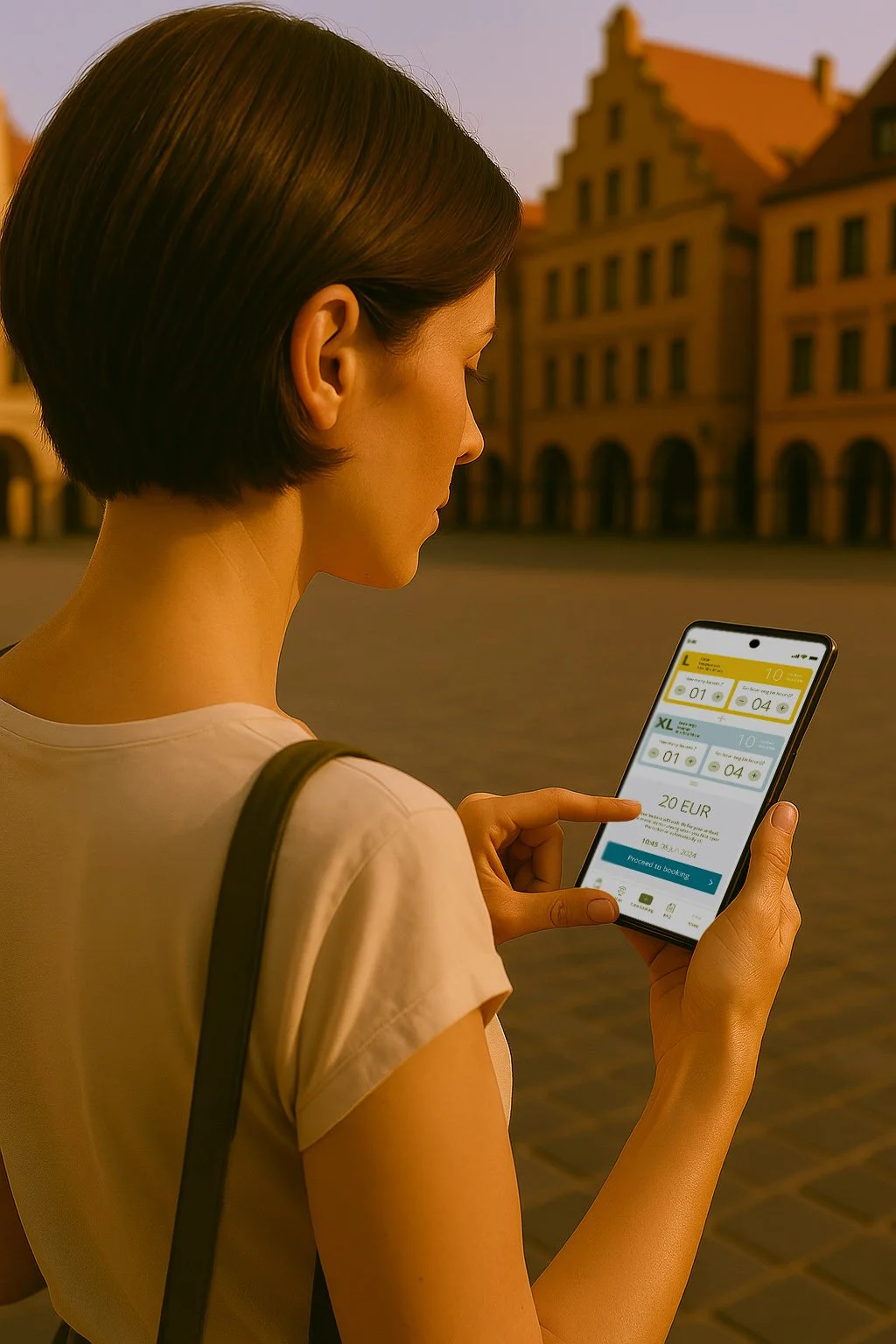
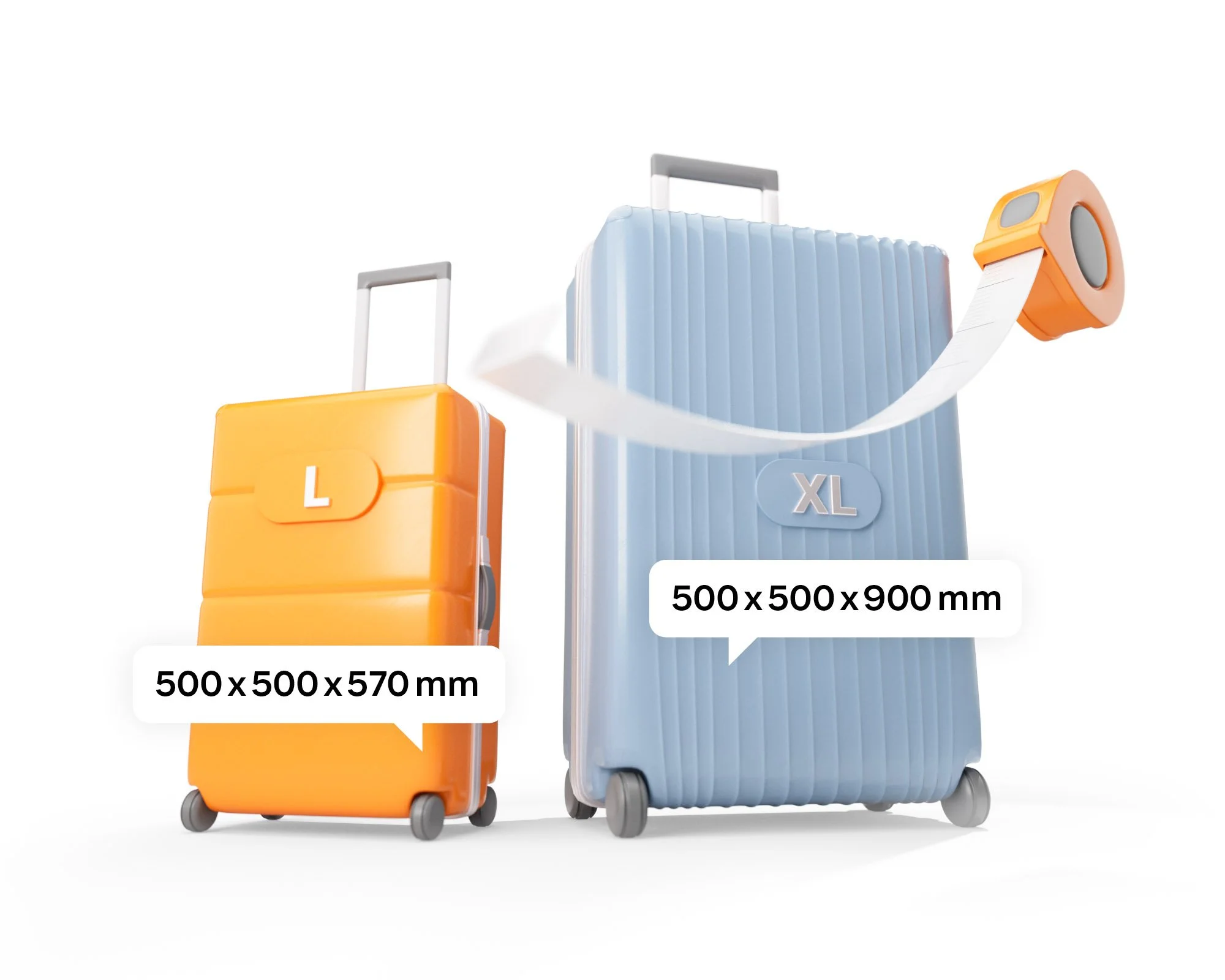
You can book multiple lockers in one go. Keep My Bag has two locker sizes:
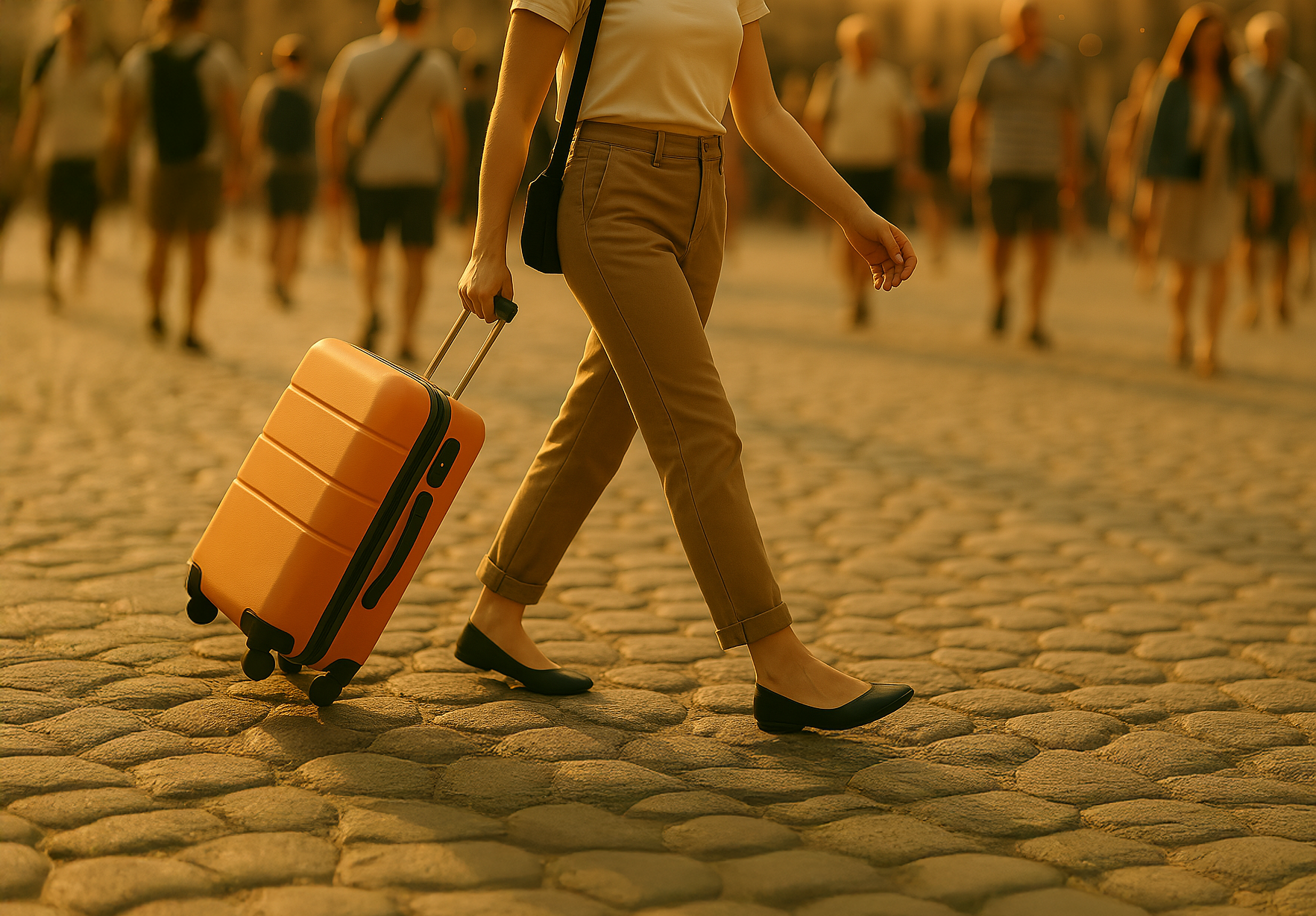
L-size is great for a cabin-size baggage (500 x 590 x 500 mm)
XL-size is suitable for oversized baggage up to (500 x 900 x 500 mm)
There is no limit to a number of bags per locker as long as it fits and the door closes without forcing it.
Select lockers of the apropriate size
02
Easy to pay
03
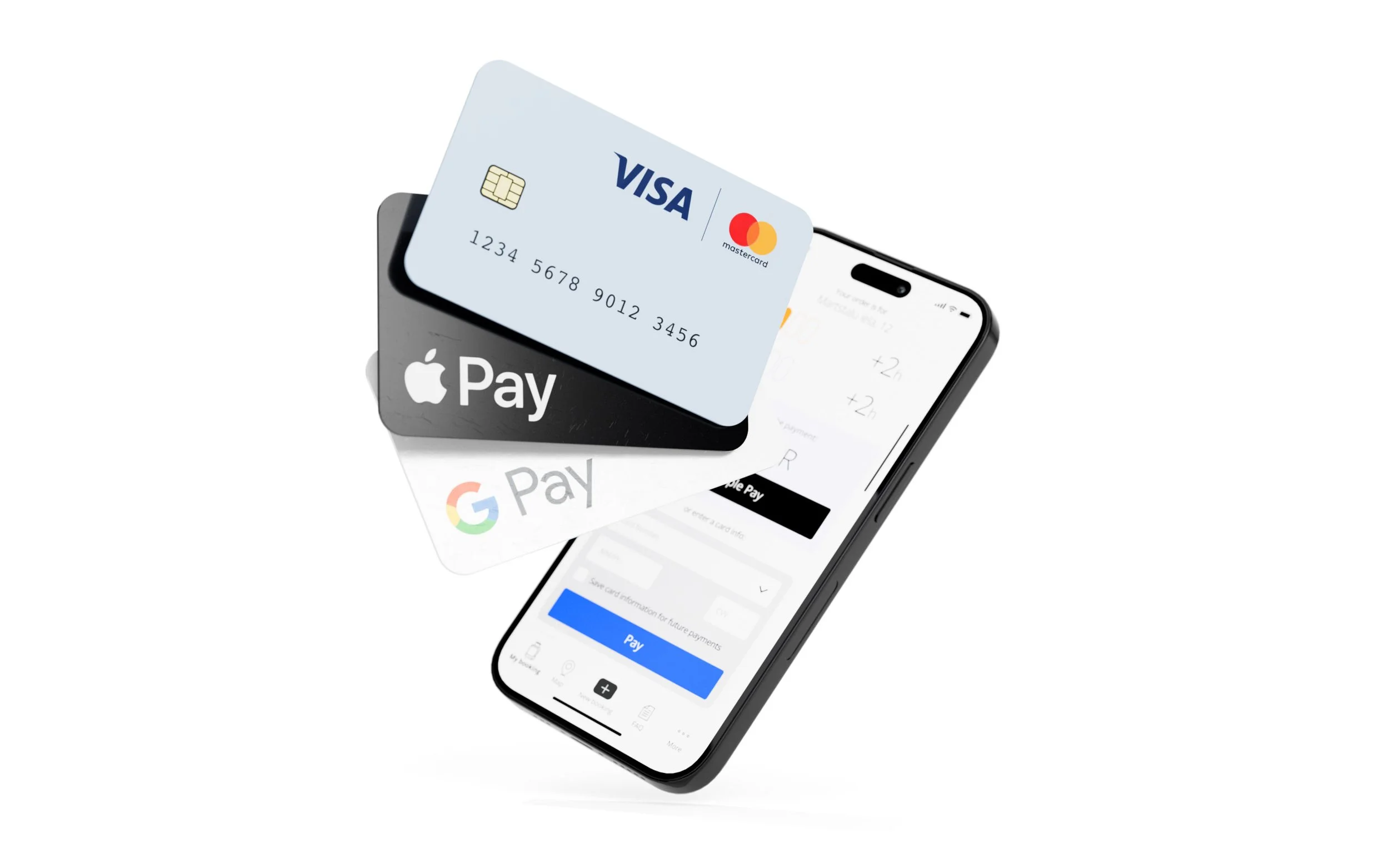
The one-click in-app payment is possible with Apple Pay and Google Pay. You can also pay in the App with your credit card.
Full control of your locker in your pocket
04
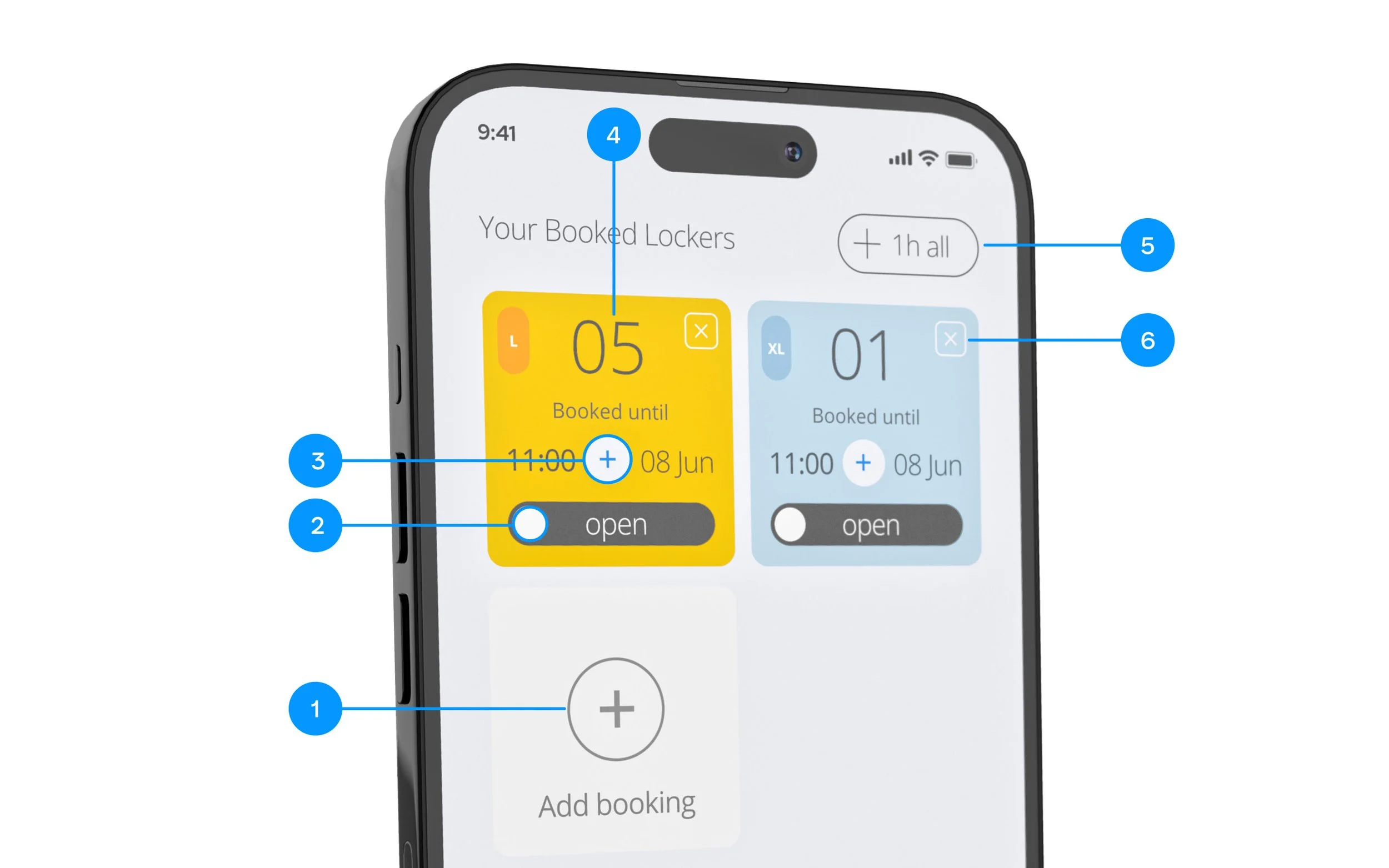
You can add more lockers to your booking (1), slide to open (2) a locker door, extend time of an individual locker (3) or add time to multiple booked lockers (5). No need to memorise your locker number (4) or access codes. The Keep My Bag App will do it for you. And when you’re finished using a locker press Finish using locker (6) button to stop paying.
Your Questions, Answered
-
If the front door is locked, you can still access Keep My Bag. Find the keypad at the entrance and dial the code 2510#
-
It is strongly advised against stuffing and overloading the locker cell. The door should close freely. The locking mechanism, although robust, potentially can be jammed and you might have difficulties opening the locker.
-
There is no restriction on the number of items in a locker. However, please make sure that the locker door can be closed freely without pressing on the door from inside.
-
Most likely, you put too many bags in one locker, or the luggage is too large for the cell. This pushes the door outwards and makes it difficult for the lock to release the door. Try applying pressure to the door to help the lock to unlatch. If that doesn’t help, please call the Technical Support
-
Keep My Bag premesis is monitored by CCTV. Also the building entrance is closed for non-working hours for extra security.
-
Picking up your luggage should be quick, easy and reliable. Nevertheless, just be on the safe side, please plan your time responsibly and extra 30 minutes for picking up your luggage from the locker.
Pricing
50 x 50 x 57 cm
L-size locker
01 hour
2 euro
1.5 euro
24 hour
10 euro
6 euro
50 x 50 x 90 cm
XL-size locker
01 hour
3 euro
24 hour
12 euro
Visit us
Marstaļu iela, 12
Old City Center
Riga, Latvia
Door code: 2510#
Tech Support Hours
9 am–10 pm
Phone
+371 24 603 006